Remote Team Productivity: How to Cut Tool Sprawl by 80%
Your team probably uses six or more apps to get work done. Here's a practical framework to audit your stack, find the overlap, and consolidate without losing anything that matters.

Remote Team Productivity: How to Cut Tool Sprawl by 80%
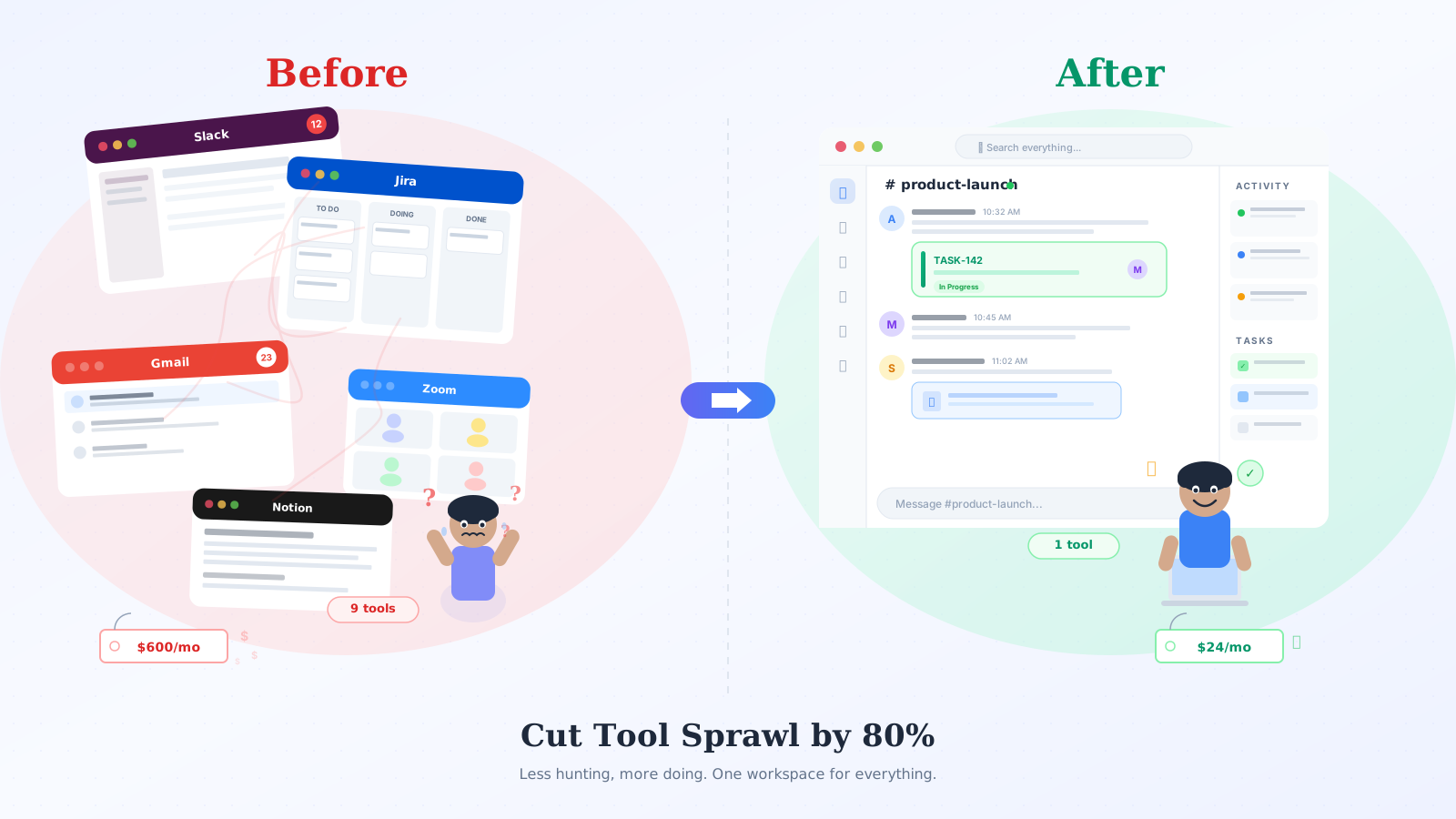
Last year I counted the tools my team used in a single workday. Slack for chat. Jira for tasks. Google Workspace for email and docs. Zoom for calls. Calendar. Notion for notes. Loom for async video. Figma. GitHub. Nine apps, nine tabs, nine invoices.
The cost bothered me, sure. But what really got to me was the twenty minutes every morning spent just catching up. Piecing together what happened overnight. A decision made in Slack. A task updated in Jira. An email thread I missed in Gmail. Everything scattered, nothing connected.
We eventually fixed most of this. Here's what worked.
What tool sprawl actually costs you
Most people think about subscription fees first. Fair. A 15-person team running Slack, Asana, Zoom, and Google Workspace easily spends $600 or more per month.
But the real damage is subtler. Research from UC Irvine found it takes about 23 minutes to refocus after switching contexts. If your team bounces between tools 15 times a day, that's not just tab-switching. That's hours of deep work gone. Every day.
There's also the "where was that decided?" problem. Someone says "let's do X" in a Slack thread. Someone else creates a task in Jira. A third person sends a follow-up email. Three months later nobody can find what was actually agreed on, or why. The information exists, it's just in four different apps with four different search bars.
Audit your stack first
Before you consolidate anything, you need the full picture. Takes about 15 minutes.
Open a blank doc. Three columns: Tool, What we use it for, How often.
List everything your team touches during a work week. Not just the sanctioned tools. Include the WhatsApp groups, the personal Notion pages, the shared Google Sheet someone turned into a makeshift task board. All of it.
Then ask yourself:
Where's the overlap? Most teams use Slack threads as an informal task tracker even though they're paying for Jira. Most teams have at least two places where meeting notes end up.
Where do decisions live? If someone asks "why did we go with X?" can you find the answer in one place? Or do you need to search three apps and message two people?
What could you drop tomorrow? There's almost always at least one tool that three people use out of habit and everyone else ignores.
In my experience, 30 to 40 percent of a team's tools are redundant once you actually map them out.
Every remote team needs four things
Communicate. Track work. Share knowledge. Meet.
That's it. Chat, threads, async updates. Tasks, projects, deadlines. Files, docs, searchable history. Video calls, screen sharing, quick huddles.
Everything else is either a nice-to-have or a specialization for specific roles (design tools, dev tools, finance tools).
Go back to your audit and tag each tool with one of those four buckets. You'll probably find multiple tools in the same bucket. Two communication tools. Two places where tasks live. That's where your time and money are leaking.
You don't need exactly four tools. The point is one source of truth per bucket, so the answer to "where does this live?" is never "it depends."
Picking a consolidation path
Once you see the overlap, two options:
Tighten what you have. Pick a winner in each bucket and migrate everything there. Stop using Slack threads for tasks and actually commit to your project management tool. Stop using email for internal back-and-forth.
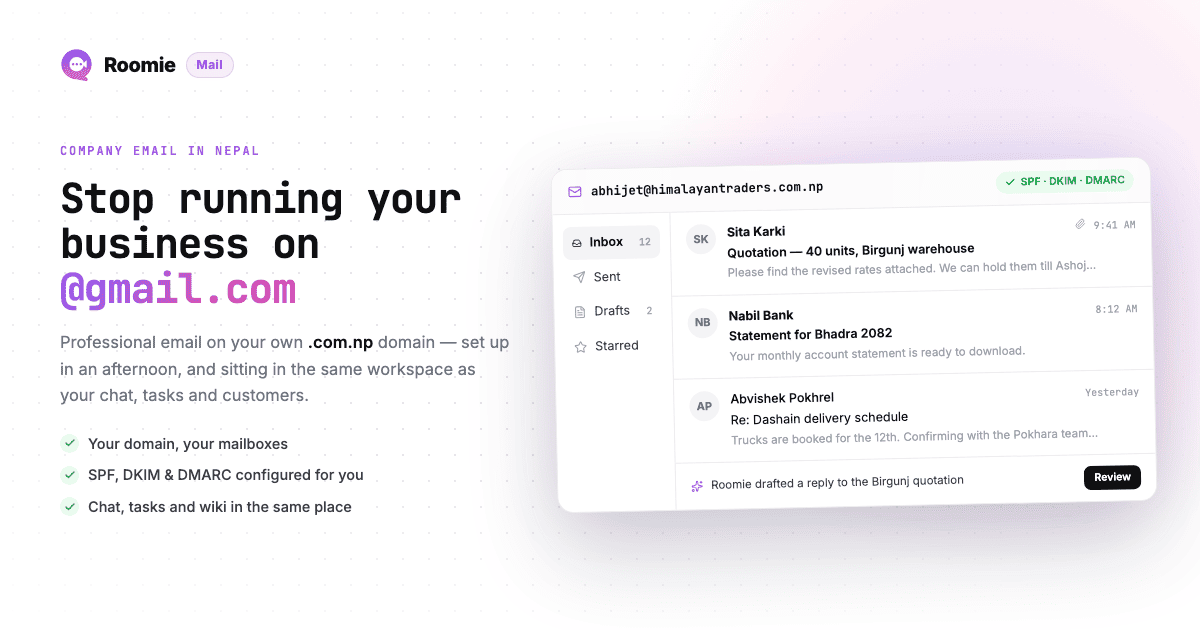
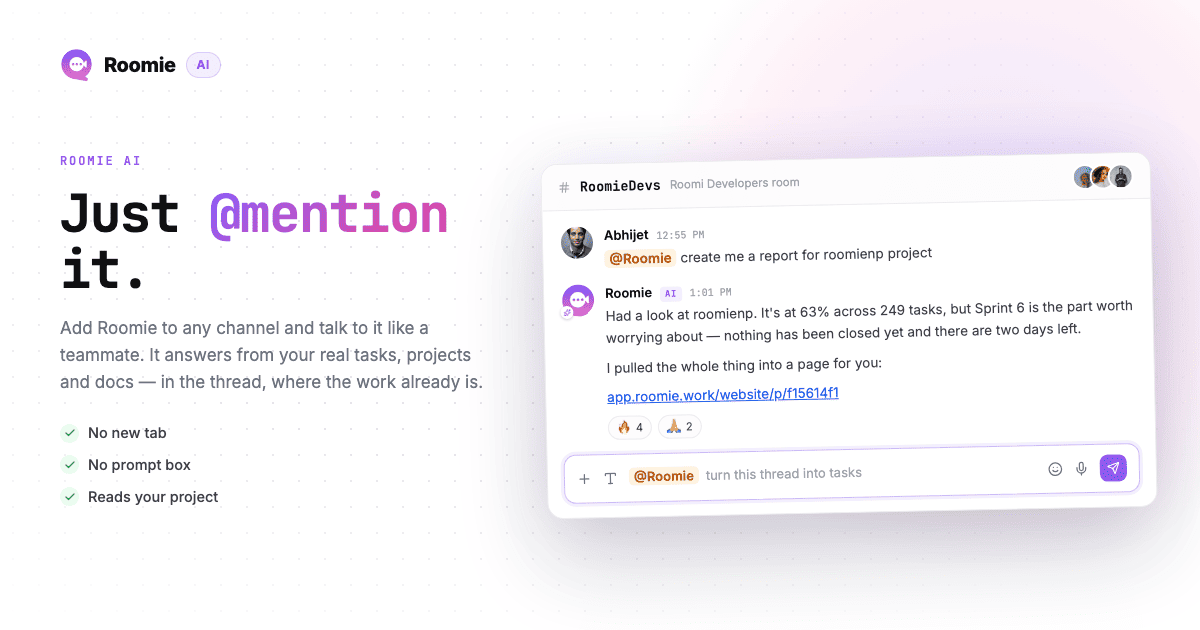
Or switch to a unified platform. Tools like Roomie bundle chat, tasks, email, calendar, and video into one workspace. A 12-person marketing agency I know made this move. $600 per month across five tools became $24. The bigger win wasn't even the savings, it was that decisions in chat became trackable tasks automatically, no copy-pasting between apps.
Either works. Depends on how invested your team is in the current stack and how much switching pain you're willing to absorb.
Regardless of path, here's what matters:
Can you turn a chat message into a task without leaving the app? This one feature kills more context loss than anything else I've seen.
Is there one search box that covers everything? If you have to remember which app something was in before you can search for it, you still have the fragmentation problem.
Does pricing stay sane as you grow? Some tools charge $8 to $15 per user per month. A team of 20 on four tools at $10 each is $800 per month before you've done anything.
Can you get your data out if you leave? People never think about this when they're excited about a new tool. Think about it.
How to migrate without chaos
The number one way teams screw this up: going all-in on day one.
Start with a pilot. Five to eight people who are open to trying something new. Let them use it for real work, not a sandbox project. Give it two weeks.
Then run old and new tools side by side for another two weeks. Sounds wasteful. It's not. People figure out what works and what they miss before you pull the plug for everyone.
Week five, cut over. Archive the old channels, export what you need, switch the rest of the team. Set a date and stick to it, because lingering parallel usage just makes the fragmentation worse.
Before you flip the switch: export your Slack history (especially channels where big decisions happened), download files from tools you're dropping, screenshot key project boards, and write down any integrations that need rebuilding.
The first two weeks after switching will be noisy. Lots of "where do I find X?" questions. That's normal and it fades fast, especially if the pilot group can help field questions since they already went through it.
What the numbers look like after
An 11-person dev team replaced Slack, Notion, Zoom, and Google Calendar with one tool. Monthly cost dropped from $280 to $22. The bigger win: tasks stayed linked to the conversations that created them, so context stopped vanishing.
A 12-person marketing agency dropped Slack, Trello, Zoom, and Google Workspace. Saved about $400 a month. Fewer "wait, where was that decided?" moments in standups.
A 25-person nonprofit went from six tools to two. Onboarding new volunteers went from a full day of tool setup to 30 minutes.
The cost savings range from 60 to 95 percent depending on what you're replacing. But when I ask people what changed most, nobody talks about the money first. They talk about not losing track of things anymore.
The objections you're already thinking of
"Our team knows Slack. Switching is risky." Switching costs are real, but they're one-time. The productivity drain from sprawl is every day. Two weeks of adjustment versus months of fragmented work.
"We need specific integrations." Do you? Audit which integrations people actually use, not which ones exist in the marketplace. Most teams use three to five regularly. If your workflow truly depends on a niche integration, that's a legitimate blocker. If you're worried about losing one nobody touches, it's not.
"All-in-one tools are never as good as dedicated ones." Sometimes true. A dedicated PM tool will always have more features than the task module in a unified platform. The question is whether your team needs those features, or whether good enough in one place beats excellent in six disconnected places. For most teams under 50 people, I'd bet on consolidation.
"We tried this before and it didn't stick." Usually means the migration was rushed, or the replacement was missing something nobody caught until it was too late. That's exactly what the pilot period is for.
What to do this week
Spend 15 minutes on the audit. List every tool, what it does, how often it gets used.
Find one clear overlap. The tool or workflow where you know context is getting lost between apps. You probably already know which one it is.
Consolidate that one thing. Not everything. Just the one overlap. Move task tracking out of Slack and into your actual task tool. Or try a unified workspace with one small team.
Measure for 30 days. How many "where is that?" questions come up? What's the tool spend? Compare.
You don't have to overhaul everything at once. One overlap, prove it works, expand from there.
The best setup isn't the one with the most features. It's the one where people spend less time hunting for information and more time doing their actual work. Sometimes that means better tools. More often it just means fewer of them.
If you want to try the unified approach, Roomie has a free tier with chat, tasks, email, and video. But whatever you go with, do the audit first. Most people find more overlap than they expected.