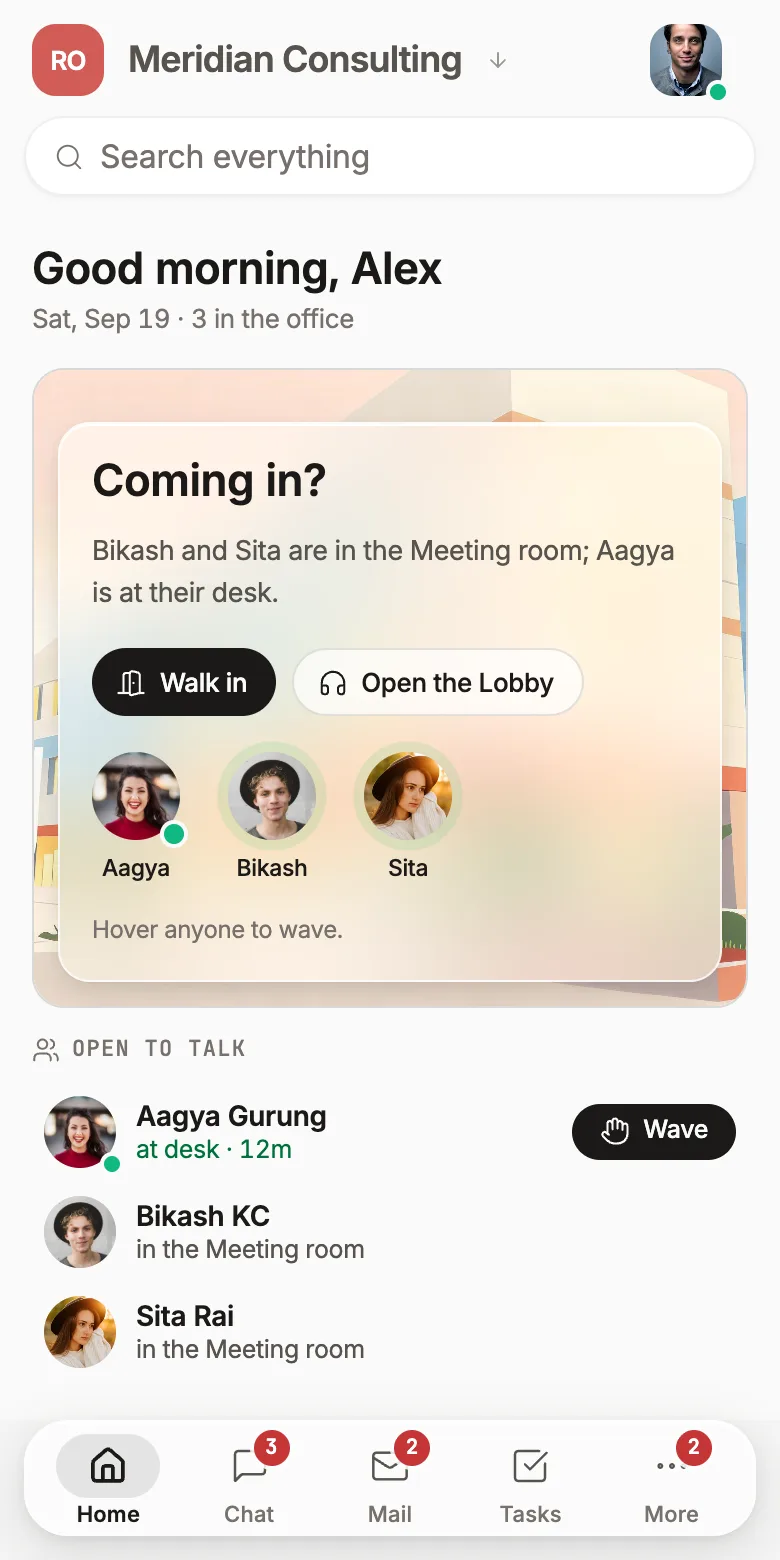
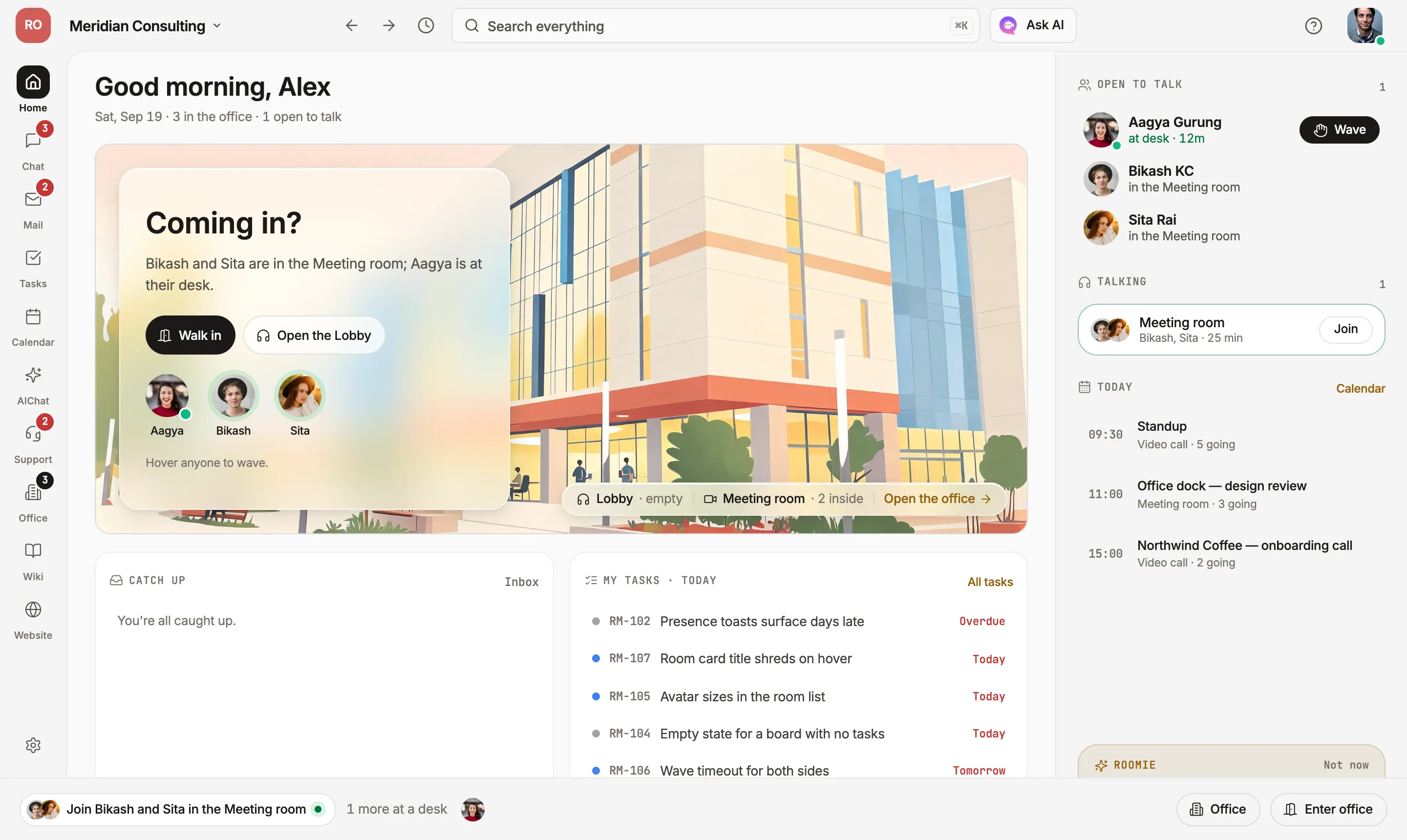
What is Roomie Workspace?
Roomie is an all-in-one team workspace that combines real-time chat, custom domain email, task management, calendar, video huddles, and an AI agent — all for $2/user/month. Think Slack + Jira + Google Workspace, but unified and affordable.
How is Roomie different from Slack or Jira?
Instead of paying $7+ per user for Slack and another $7+ for Jira, Roomie gives you both — plus email, calendar, and AI — in a single app for $2/user/month. No more switching tabs or syncing tools.
Can I use my own email domain?
Yes. You get 1 email address per user plus 5 alias addresses with your custom domain (e.g. contact@yourdomain.com). We provide DNS records — setup takes about 2 minutes.
Is there a free plan?
Yes. The free tier supports up to 3 users with chat, channels, task boards, 5 GB storage, basic AI and one email domain for receiving — no credit card required.
How much storage do I get?
The Growth plan includes 15 GB per user. Need more? Extra storage is $2 per month for another 15 GB, added to the individual user who needs it — nobody else's bill changes.
Are there message or email limits?
No limits on chat messages or emails. We only monitor for spam and abuse.
Can I use Roomie with Claude or other AI tools?
Yes. Roomie provides an MCP server so you can connect it to Claude, and other AI tools that support the Model Context Protocol.
Can Roomie write code?
Yes, in the desktop app. You pick a folder, describe the change, and the agent reads the repo, shows you the diff and waits for your OK before anything is written. It runs the project's check afterwards, and you can undo the change in one click. It works with Claude Code, Codex, Gemini CLI or Kimi, and it already has the ticket, the thread and the wiki page in front of it.
Is there a self-hosted option?
Yes. Self-hosted starts at $2,000/year for unlimited users. You get full data control on your own infrastructure with priority support.
What if I need more AI credits?
You'll be offered options to purchase additional AI credits as your usage grows — no surprises, pay only for what you need.
Do features cost extra?
No. One flat $2/user/month with every feature included — email, chat, tasks, wiki, customer support, website builder and AI. There are no feature tiers. The only things that scale with use are storage and AI credits, both pay as you go.
Who is Roomie for?
Small to medium-sized teams who want to get started quickly, save money, and keep everything — chat, email, tasks, calendar — in one place. Also great for privacy-conscious teams with the self-hosted option.