Your company site,
shipped this afternoon.
A real site and blog on your own domain, built from sections rather than a blank canvas, and it's already in the workspace you're paying for.
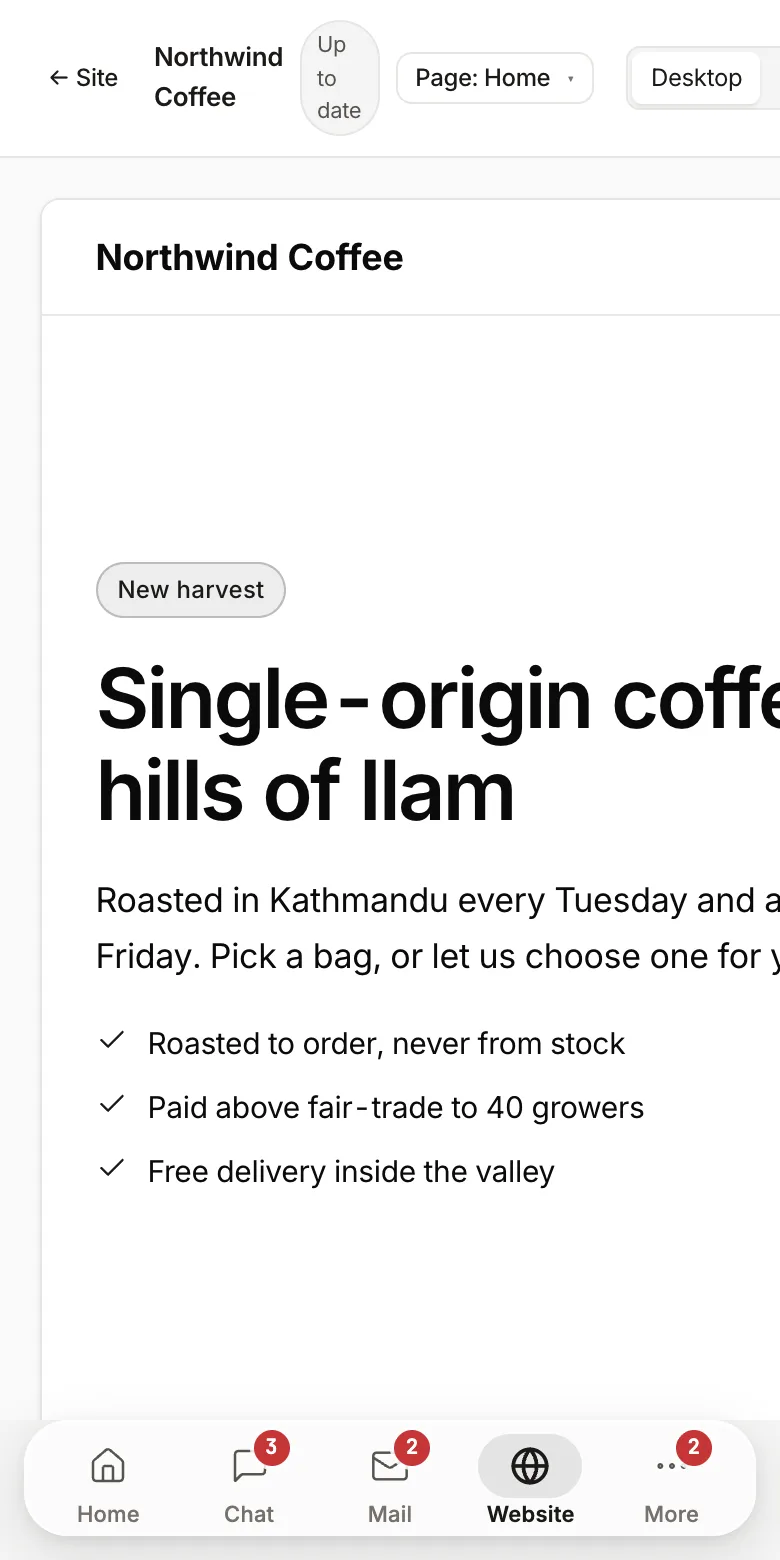
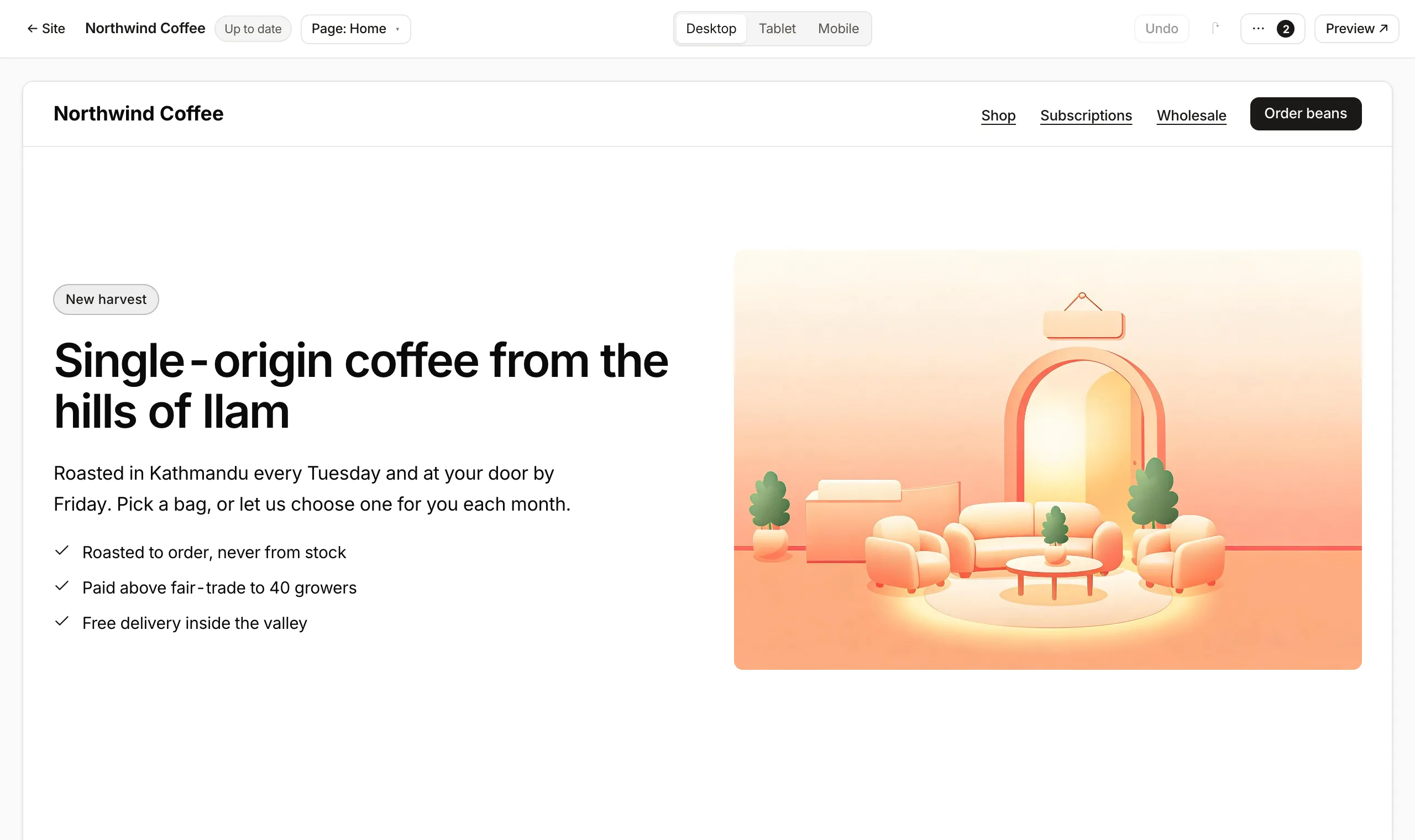
From nothing to a live domain
Name the site, add the sections the page needs, write the words, point the domain. The certificate issues itself and the sitemap goes out. The whole job is an afternoon, and it doesn't need the one person on the team who knows CSS.
- Section presets for the pages every company needs
- Mobile is a toggle, not a second build
- Publishing is one button, and reversible
A website that's connected to the company behind it
A standalone site builder gives you a brochure that knows nothing about your business. This one sits next to your mail, your tickets and your support inbox: so a form becomes a conversation, a conversation becomes a ticket, and a job post comes from the same list HR already keeps.
- Contact forms arrive in a shared mailbox
- The support widget is the same inbox your team already works in
- Collections mean one source of truth for clients and openings
Enough site to be taken seriously
Not a page builder toy: a domain, a blog, forms that reach someone, and the SEO plumbing done properly.
Sections, not a blank canvas
You choose what a section is for: hero, pricing, FAQ, and it lays itself out. That's why a non-designer finishes the page instead of abandoning it.
Collections
Clients, job posts, case studies. Add a record once and every page that lists them updates. No page editing to publish a new opening.
A blog that ranks
Categories, authors, sitemap, RSS, OpenGraph and structured data written for you. The parts SEO actually depends on.
Forms land somewhere real
A contact form arrives in a shared mailbox and can become a ticket. Not a CSV export you remember to check.
Your domain, your SSL
Point the domain, certificates issue automatically, and the site is live. Same DNS panel as your mail.
The support widget in one toggle
Turn on the chat widget and the conversations arrive in the same support inbox as everything else.
Roomie's builder vs Webflow
If you have a designer and the site is the product, use Webflow. This is for the company that needs a credible site and has nobody to spare.
You can't move every box anywhere you like here, and that constraint is the reason the page gets finished.
Free for 3 users, then $2 per user a month (NPR 250 · eSewa, FonePay, Khalti). Every feature on this page included.
Self-hostingThe website builder, answered
Can I publish on my own domain?
Yes. A site can be published on a Roomie subdomain or connected to your own domain, with HTTPS handled for you.
Does it include a blog?
Yes. A site can have a blog and structured collections, with posts written in the same editor as the rest of the workspace.
Do I need to know how to code?
No. Pages are built from sections: navigation, hero, features, pricing, testimonials, contact forms. That you edit in place. You can also ask the AI to draft or change a page.
Where do form submissions go?
Into the workspace. Submissions appear in the site's inbox and notify your team, so a contact form does not need a separate form service.
Is the builder included in the price?
Yes, the website builder is part of the workspace and is currently in beta. Roomie is free for up to 3 users. After that it is $2 per user per month (NPR 250 in Nepal), and that one price covers every part of the workspace. There is no separate charge for this.
The rest of the workspace
Every one of these is included, and they all know about each other.
A PM, sales rep or marketer that asks, then acts
Team chatThreads, huddles, and messages that become tickets
Custom domain emailUnlimited mailboxes on your own domain
CRMDeals, a shared inbox, quotes and invoices
Tasks & ticketingSprints, boards, releases and ticket types
Virtual officeSee who's around and walk up to them
Customer supportAn embeddable widget and a shared inbox
Wiki & docsSpaces, pages and live co-editing
AI that read your workAnswers with sources, from every surface
Coding agentReads your repo, shows the diff, runs the check
MCP for AI agentsConnect Claude or ChatGPT to the workspace
Put the site up before the next client asks for it
It's included. Start with one page and a domain you already own.