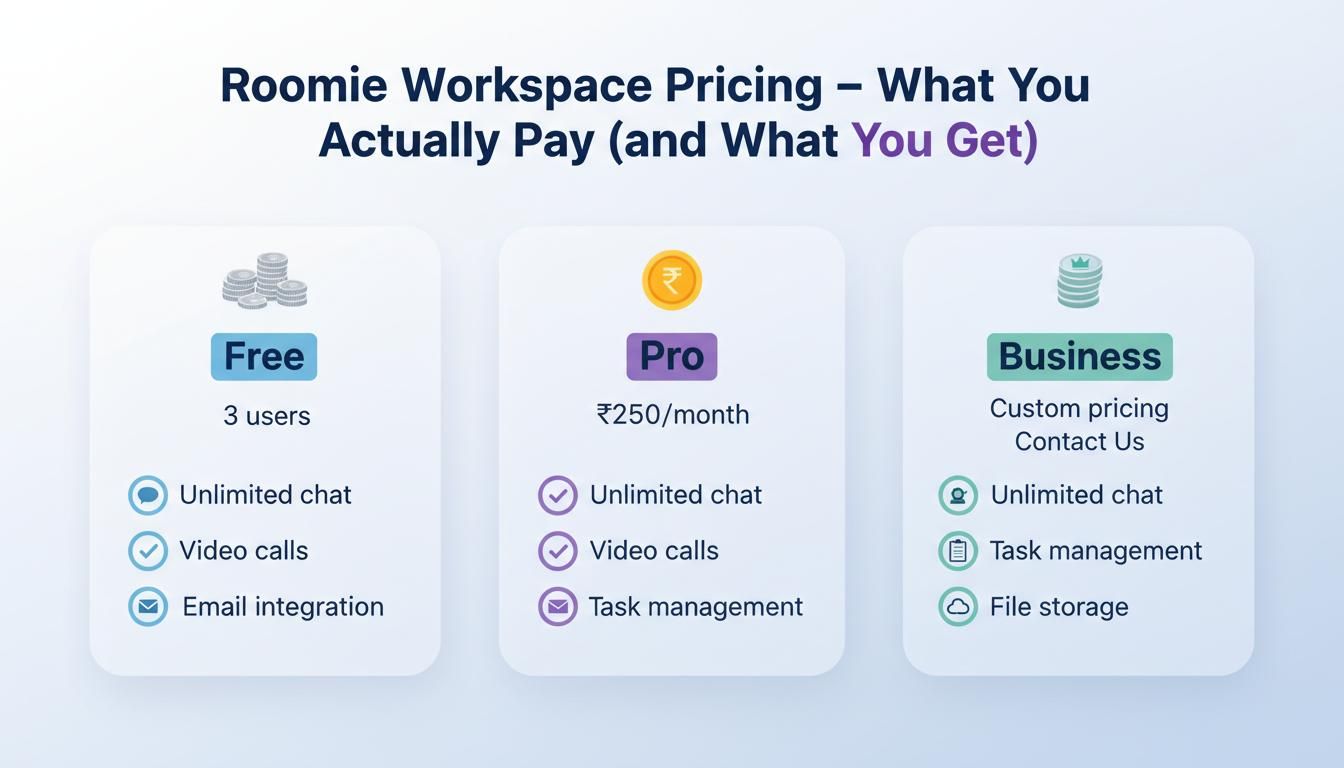
Roomie Workspace Pricing - What You Actually Pay (and What You Get)
Let's cut through the marketing and talk real numbers. Most collaboration tools advertise one price, then you discover you need three add-ons to actually use them.
Let's cut through the marketing and talk real numbers. Most collaboration tools advertise one price, then you discover you need three add-ons to actually use them. Roomie's pricing is simpler than most, but a few things are worth knowing before you sign up.
The Free Plan
Yes, there's actually a usable free plan. Here's what's included:
- Unlimited users (seriously, no user limits)
- Unlimited message history (your old messages don't disappear)
- Core chat features (channels, DMs, threads, file sharing)
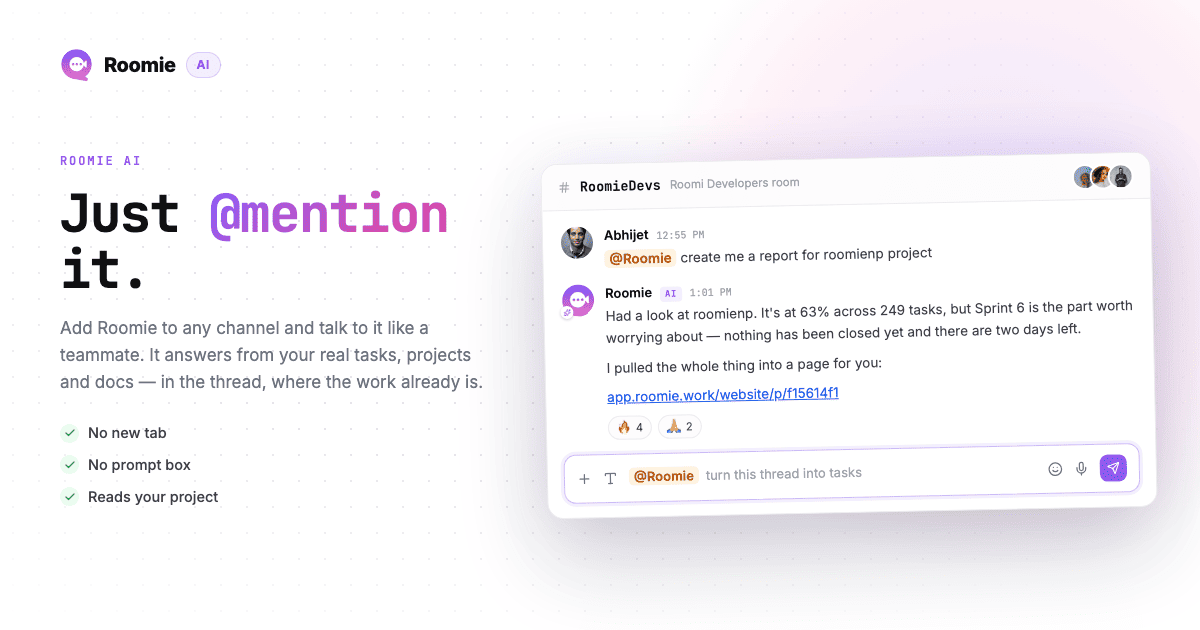
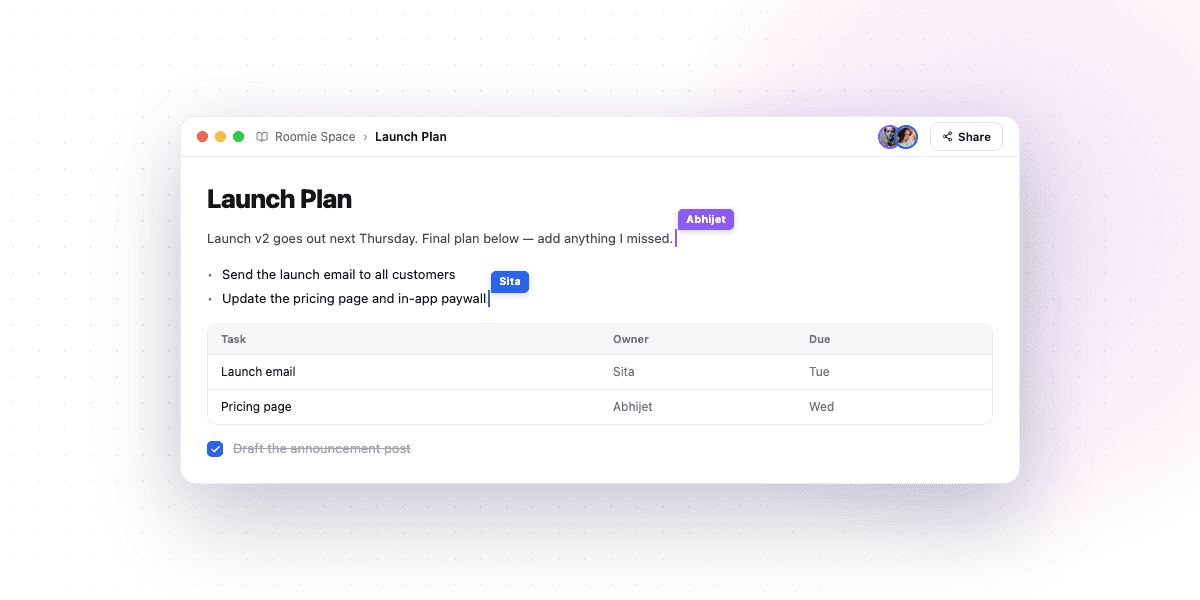
- Task management (kanban boards, lists, assignments)
- Video huddles (up to 8 people, 60 minutes)
- Calendar and scheduling
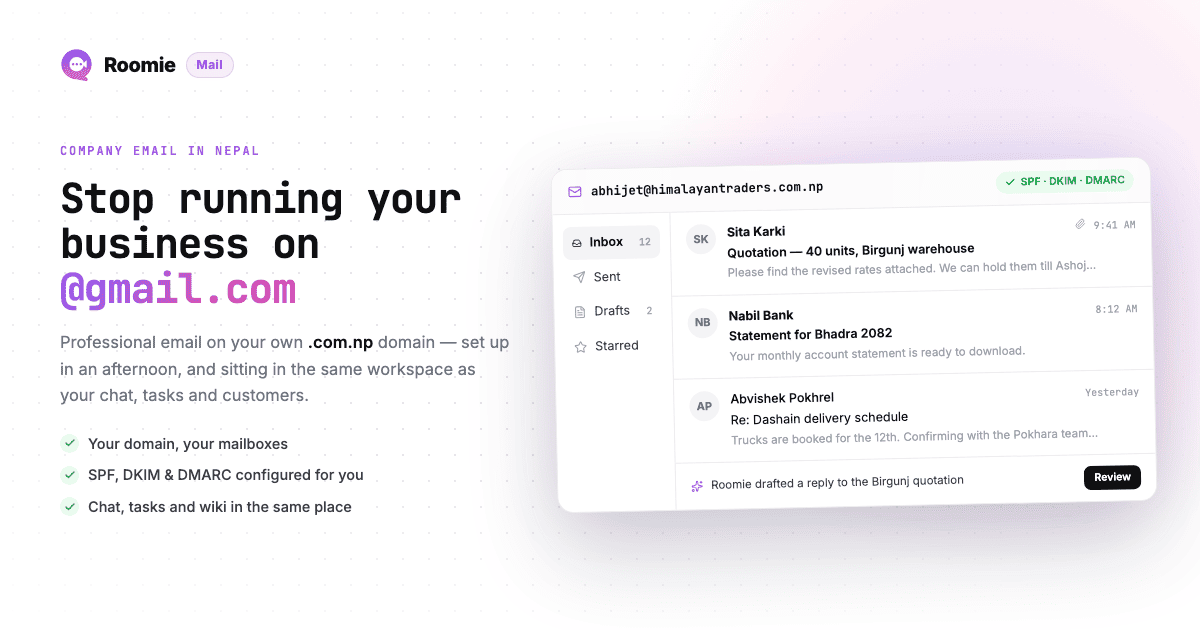
- AI assistant (limited queries per day)
- 5GB total storage
The catch? You don't get custom domain email, and storage is limited. For small teams just starting out, this is often enough.
The Growth Plan: $2 Per User Per Month
This is Roomie's only paid tier. No "Pro" vs "Business" vs "Enterprise" confusion. One price, everything included:
- Everything in the free plan
- Custom domain email (unlimited addresses)
- Unlimited video huddles (no time limits)
- 15GB storage (plus $2 per extra 15GB, for that user only)
- Priority AI access (faster responses, more queries)
- Self-hosting option (available on request)
Example costs:
- 5 people: $10/month
- 15 people: $30/month
- 50 people: $100/month
What That Compares To
Let's look at what you'd pay for similar features elsewhere:
Roomie (15 users): $30/month
- Team chat: included
- Task management: included
- Video calls: included
- Custom email: included
Typical Alternatives (15 users): $604/month
- Slack Pro: $109
- Asana: $180
- Zoom Pro: $225
- Google Workspace: $90
That's not a typo. Roomie costs about 95% less than buying equivalent tools separately.
The Self-Hosted Option
For teams that need data control, Roomie offers self-hosting. You run it on your own servers.
Pricing: One-time setup fee plus annual support contract. Contact sales for details.
What's different:
- All your data stays on your infrastructure
- No AI features (they require cloud processing)
- You handle your own backups and updates
- Full source code access
Realistically, this is for enterprises with compliance requirements or teams in regulated industries. Most small teams don't need the headache.
What's NOT Included
Being honest about limitations:
- Phone support - Email and chat support only
- Advanced security features - No SSO/SAML on standard plans (coming later)
- White-labeling - You can't rebrand Roomie as your own product
Hidden Costs to Watch
There aren't many, but:
Storage overages: If a user fills their 15GB, another 15GB is $2 per month — charged to that user, not to everyone on the plan. Most teams never hit it unless they're sharing lots of video files.
Email sending limits: Custom domain email has reasonable limits (10,000 emails per month on paid plans). If you're doing email marketing, this isn't the tool for that.
API rate limits: Free plans have lower API limits. If you're building heavy integrations, you might need paid.
Annual vs Monthly
Roomie only offers monthly billing right now. No annual discount (yet). This is actually nice for cash flow - you're not locked into a year-long commitment.
Refunds and Cancellations
You can cancel anytime. No refunds for partial months, but you keep access until the end of your billing period. Your data can be exported before you leave.
Is It Actually Worth It?
For most small to medium teams, yes. You get about 80% of what you'd get from $500+ worth of separate tools for $30-100. That's the calculation.
Here's the honest downside: Roomie isn't the best at any single thing. Slack's mobile app is smoother. Asana has way more project management depth. Zoom's video quality is better. If you need best-in-class everything, you'll end up frustrated. But if you'd rather have one decent tool than five excellent ones that don't talk to each other, it works.
Try Before You Buy
The free plan is genuinely usable. Start there. Add your team. Use it for a month. If it works, upgrade. If not, you haven't spent anything.
No credit card required. No countdown timer. No guilt trip when you don't upgrade.