Roomie Workspace vs Slack - A Practical Comparison for Teams
Slack changed how teams communicate. But after using it daily for three years at my previous job, I kept hitting the same walls. Messages would pile up. Tasks would get lost in threads.
Slack changed how teams communicate. But after using it daily for three years at my previous job, I kept hitting the same walls. Messages would pile up. Tasks would get lost in threads. We'd talk about work in Slack, then do the actual work somewhere else.
Roomie Workspace came from that frustration. We built it because we needed one place where talking and doing could actually happen together.
What Both Tools Get Right
Real-time messaging is expected now. Both Slack and Roomie handle it well. You get channels, direct messages, threads, file sharing, and search. The basics work.
Slack's search is slightly faster for finding old messages. Roomie's is decent, and the AI can actually understand context better when you ask it things like "what did we decide about the API rate limits?" instead of just keyword matching.
Where They Split
The Integration Problem
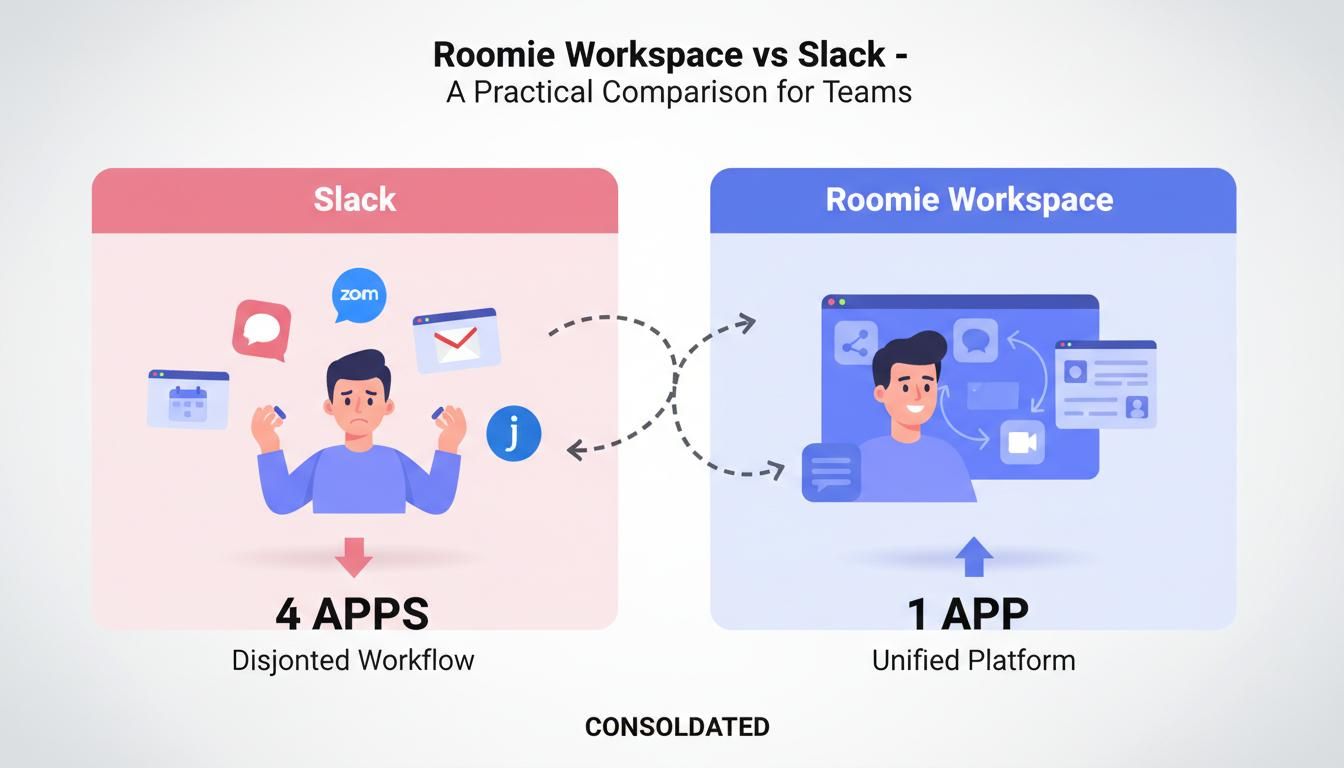
Slack has thousands of integrations. You can connect it to almost anything. But here's the problem: each integration is a separate bill, a separate login, a separate place where work lives.
Roomie takes a different approach. Email, tasks, calendar, and video calls are built in. Not bolted on. When someone says "I'll handle that" in a message, you can turn it into a task without leaving the chat. When you schedule a meeting, it shows up in everyone's calendar automatically.
Message History
Slack's free plan keeps 90 days of history. After that, your conversations disappear unless you upgrade. At $7.25 per user per month, that adds up fast for a 20-person team. That's $145 every month just for chat history.
Roomie keeps everything. Free plan, paid plan, doesn't matter. Your full message history stays accessible. You shouldn't lose access to your own conversations just because you don't want to pay enterprise prices.
Pricing Reality
Let's talk actual numbers for a 20-person team.
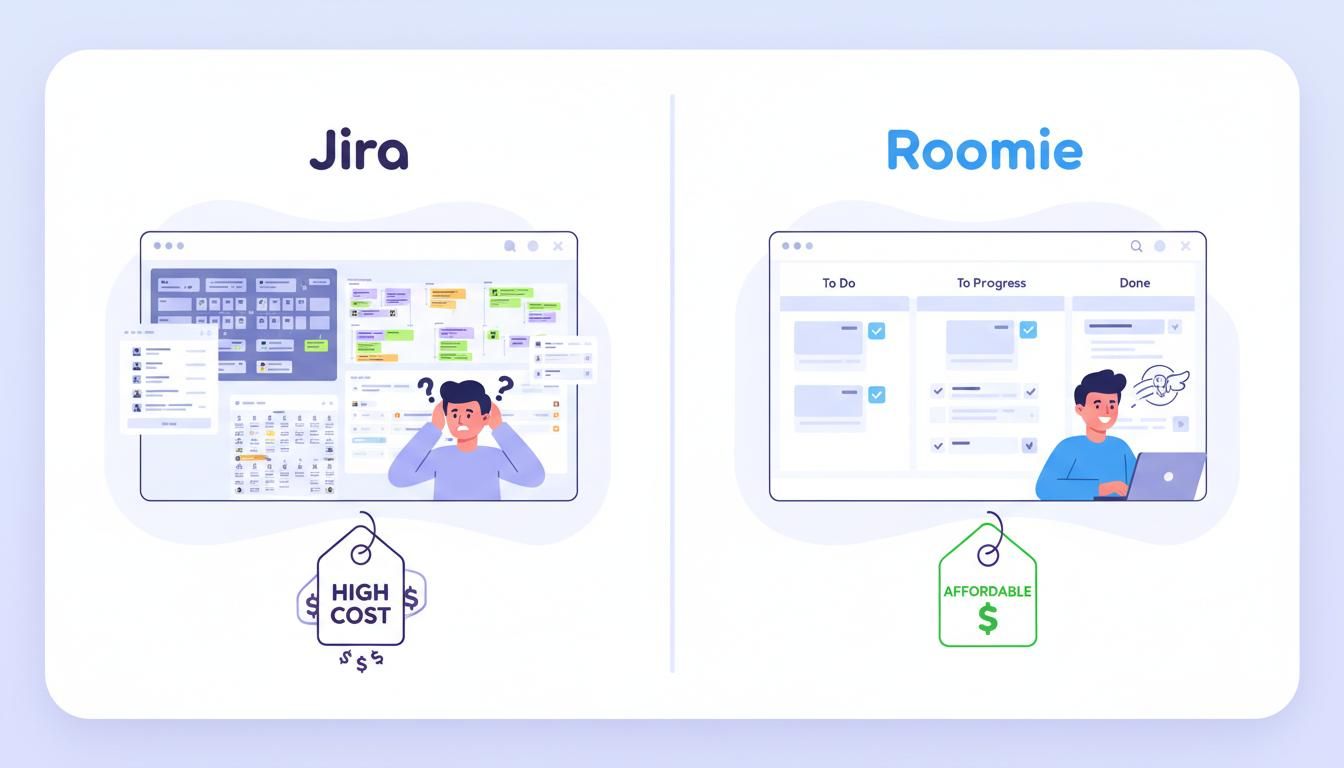
Slack Pro runs $7.25 per user. For twenty people, that's $145 monthly for chat alone. Add Asana for project management ($240 more). Add Zoom Pro for video calls ($300 more). You're looking at $445 per month before you even get into specialized tools.
Roomie Workspace is $2 per user. For the same twenty people, that's $40 per month. Everything included. Chat, tasks, email, video calls, calendars.
That gap is real. For early-stage teams, that's the difference between hiring another person or not.
Slack Still Wins At
The mobile app, for one. Slack has been polishing theirs for years, and it shows. More third-party integrations too. And let's be honest, the biggest advantage is familiarity. Most people have used Slack. There's no learning curve.
If your workflow depends on specific Slack apps, switching might not make sense yet.
Where Roomie Actually Helps
Tasks live where conversations happen. Not in a separate tab, not in another app. You can turn "I'll handle that" into an actual task without copy-pasting anything.
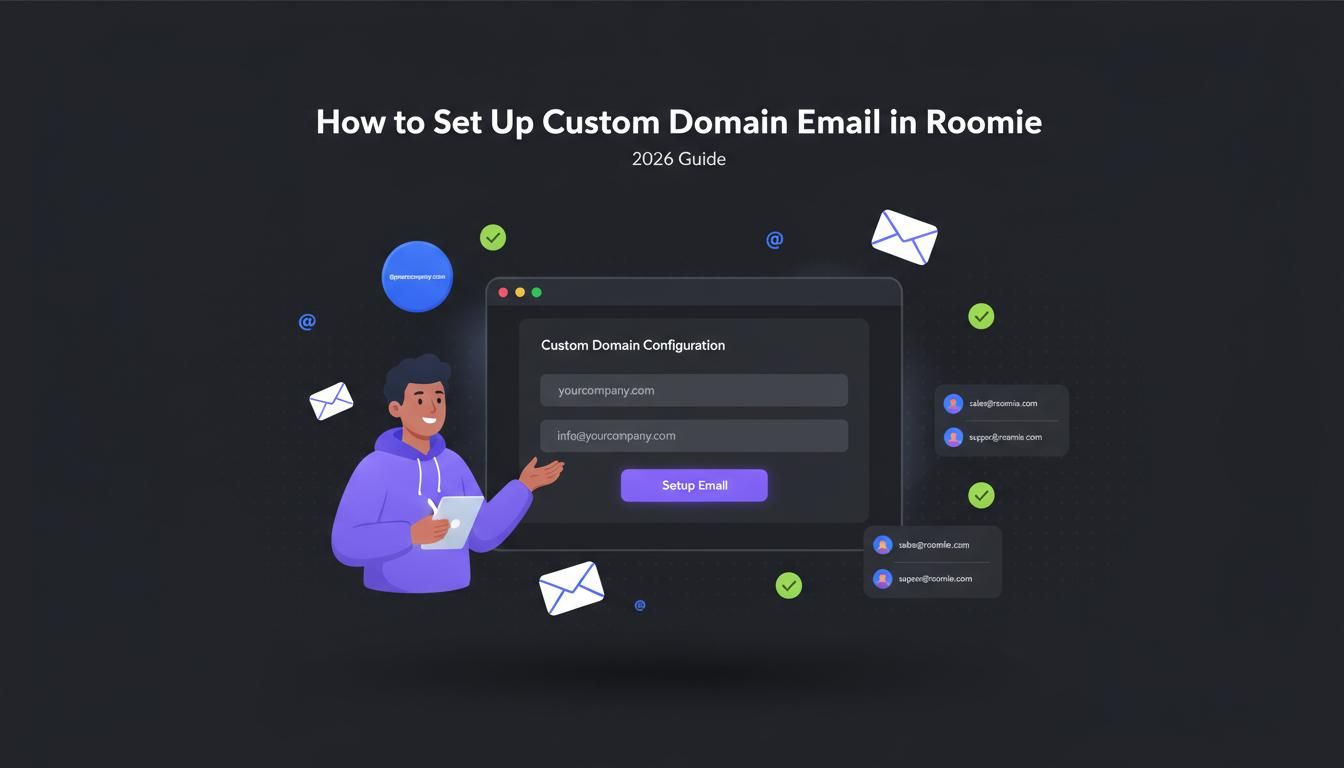
Custom domain email is included. Video calls don't need Zoom. The AI understands context across your tools, not just message keywords. Unlimited history on every plan. And if you're privacy-conscious, you can self-host.
So Which One?
Slack is great at being a chat app. Roomie is built for teams who want chat to be where work starts, not where it stops.
Some teams are fine juggling multiple tools and paying for each. Slack's ecosystem is genuinely hard to beat if that's you. But if you're exhausted by context switching, Roomie is worth a shot.
Free tier. No credit card. Try it and see if having everything in one place actually makes a difference.