Best Custom Domain Email Services 2026 Compared
Compare the best custom domain email services in 2026. See why teams are switching from Google Workspace and Microsoft 365 to Roomie for affordable, integrated email at just $2/user/month.
Best Custom Domain Email Services 2026 Compared
Let me ask you something. When you are pitching to a client, which looks more professional: [email protected] or [email protected]?
Obviously the second one. But here is what gets me: most small teams are paying way too much for that professional email address.
I have been testing email services for the past few weeks. Google Workspace, Microsoft 365, Zoho, Proton Mail, and a few smaller ones. I wanted to see what teams actually get for their money.
Here is what I learned.
Why custom domain email still matters in 2026
People keep saying email is dying. It is not. Email is still how you land clients, handle support, send invoices, and keep your team aligned.
Here is why custom domain email matters:
- Trust — Customers expect businesses to have professional email addresses
- Branding — Every email you send reinforces your company name
- Control — You own your communication channel, not Google or Microsoft
- Flexibility — Create unlimited addresses like
support@,sales@,jobs@
The question is not whether you need custom domain email. The question is which service gives you the best value without the bloat.
What we compared
We looked at five services across these criteria:
- Price
- Storage
- Additional features
- Extra included features
- Ease of setup
- Privacy
The contenders
Google Workspace
Best for: Companies already deep in the Google ecosystem.
Google Workspace is the big player everyone knows. You get Gmail with your domain, plus Calendar, Drive, Docs, Sheets, Meet, Chat, and a bunch of other tools.
Pricing:
- Business Starter: $6/user/month (30 GB storage)
- Business Standard: $12/user/month (2 TB storage)
- Business Plus: $18/user/month (5 TB storage)
What you get:
- Professional Gmail interface
- Shared calendars
- Google Drive storage
- Video conferencing via Meet
- Collaborative docs and sheets
The reality:
Google Workspace is powerful, no doubt. But most teams pay $6-12 per user and basically just use email and calendar. You are paying for the whole suite even if you only need two features.
Setup is straightforward if you know DNS, but Google has a habit of changing their admin interface every few months. Expect a learning curve.
Microsoft 365
Best for: Enterprises that need Office apps and do not mind complexity.
Microsoft 365 is Google Workspace main competitor. It gives you Outlook with your domain, plus Word, Excel, PowerPoint, Teams, and SharePoint.
Pricing:
- Business Basic: $6/user/month (1 TB storage)
- Business Standard: $12.50/user/month (1 TB storage + desktop apps)
- Business Premium: $22/user/month (advanced security)
What you get:
- Outlook web and desktop
- Microsoft Office apps
- Teams for chat and video
- OneDrive storage
- SharePoint for file sharing
The reality:
Microsoft 365 is overkill for most small teams. The interface is cluttered, the mobile apps feel slow, and you are paying for features from 2003 that nobody uses anymore.
That said, if your team lives in Excel and PowerPoint, it might be worth it. For everyone else, there are leaner options.
Zoho Mail
Best for: Budget-conscious teams that need basic email.
Zoho Mail is the budget option. It gives you professional email at a fraction of the cost of Google or Microsoft.
Pricing:
- Mail Lite: $1/user/month (5 GB storage)
- Mail Premium: $4/user/month (50 GB storage)
- Workplace: $3/user/month (email + office suite)
What you get:
- Clean email interface
- Calendar and contacts
- Basic file storage
- Some collaboration tools
The reality:
Zoho is cheap, and you notice why. The interface feels clunky. Mobile apps are just okay. Support takes forever to respond. The price looks good until you hit a limit and have to upgrade.
It works if you need bare-bones email and nothing else. But most teams outgrow it fast.
Proton Mail
Best for: Privacy-focused individuals and small teams.
Proton Mail is the security-first option. Everything is encrypted, and your data stays in Switzerland under strict privacy laws.
Pricing:
- Mail Essentials: $7.99/user/month (15 GB storage)
- Business: $12.99/user/month (custom storage)
What you get:
- End-to-end encrypted email
- Calendar and contacts
- Drive for file storage
- VPN included
The reality:
Proton Mail is great for privacy. But for teams? It is pretty limited. The interface is bare bones. Almost no collaboration features. And at $8-13 per user, you are paying Google prices for less functionality.
Use Proton if you are a journalist, lawyer, or anyone handling sensitive data. For general business use, the tradeoffs are hard to justify.
Roomie
Best for: Teams who want email integrated with chat, tasks, and calendar at a fair price.
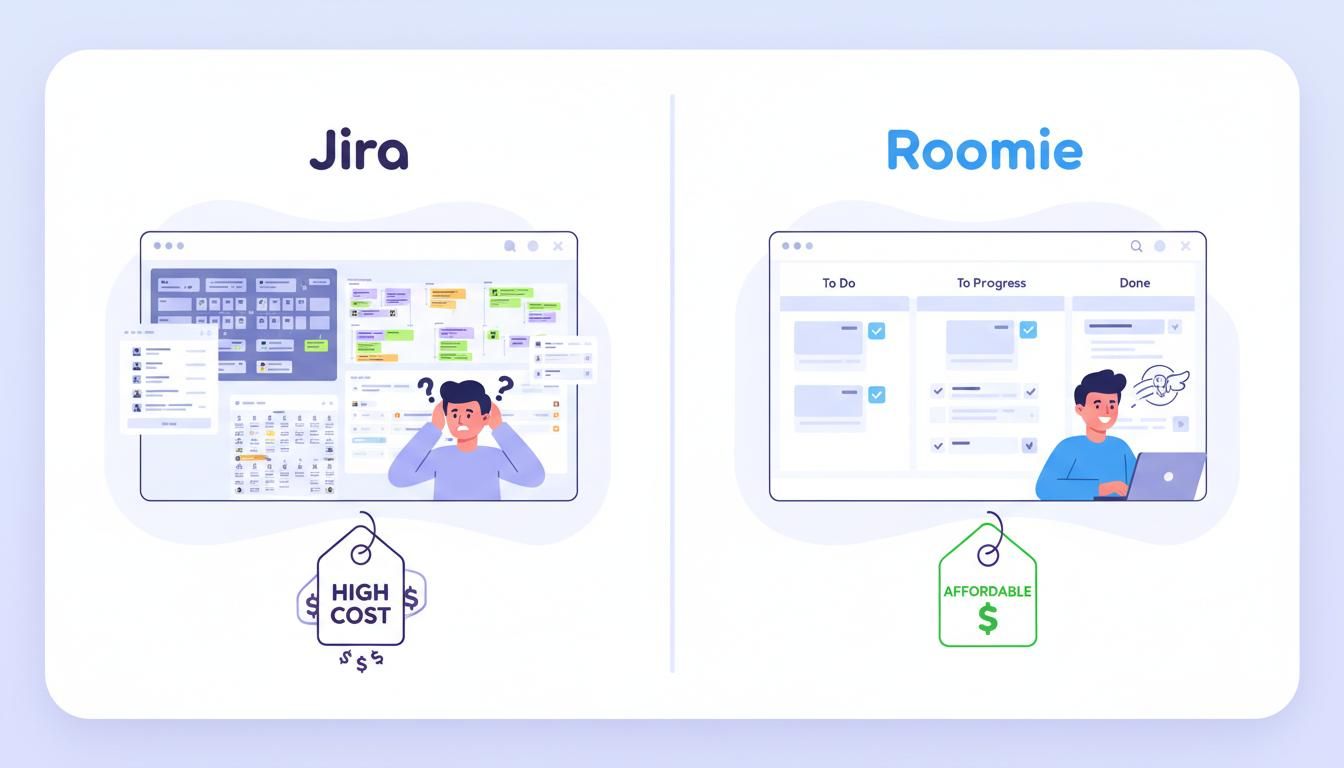
Full disclosure: we built Roomie. We got tired of paying $6-12 per user for email, then another $7 for Slack, then more for project management. So we built what we actually wanted.
Pricing:
- $2/user/month — all features included
What you get:
- Custom domain email (@yourcompany.com)
- Team chat (like Slack)
- Task management with sprint boards
- Team calendar
- AI that turns emails into tasks
- MCP integration for Claude and OpenAI
- 15 GB storage per user
The reality:
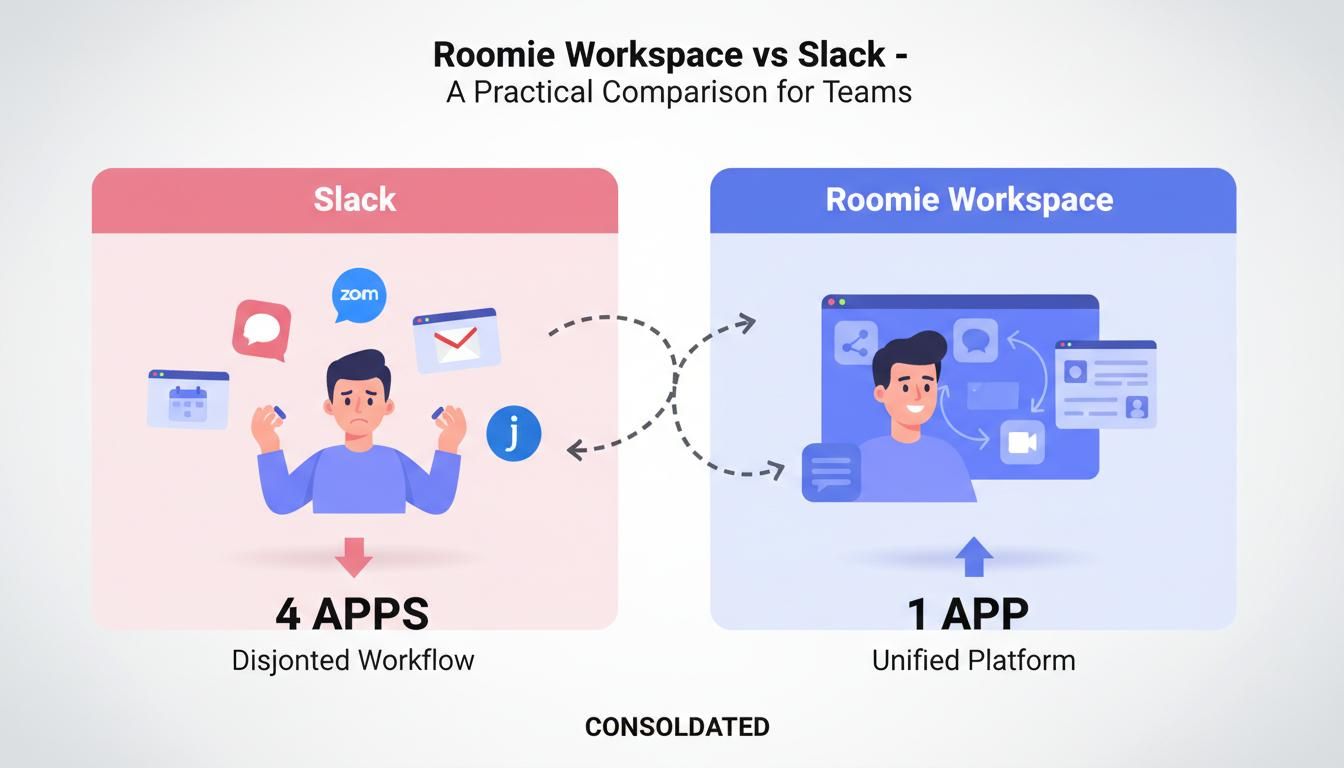
Roomie is not just email. It is email, chat, tasks, and calendar in one place. At $2 per user, it is a third of the price of Google Workspace with more features included.
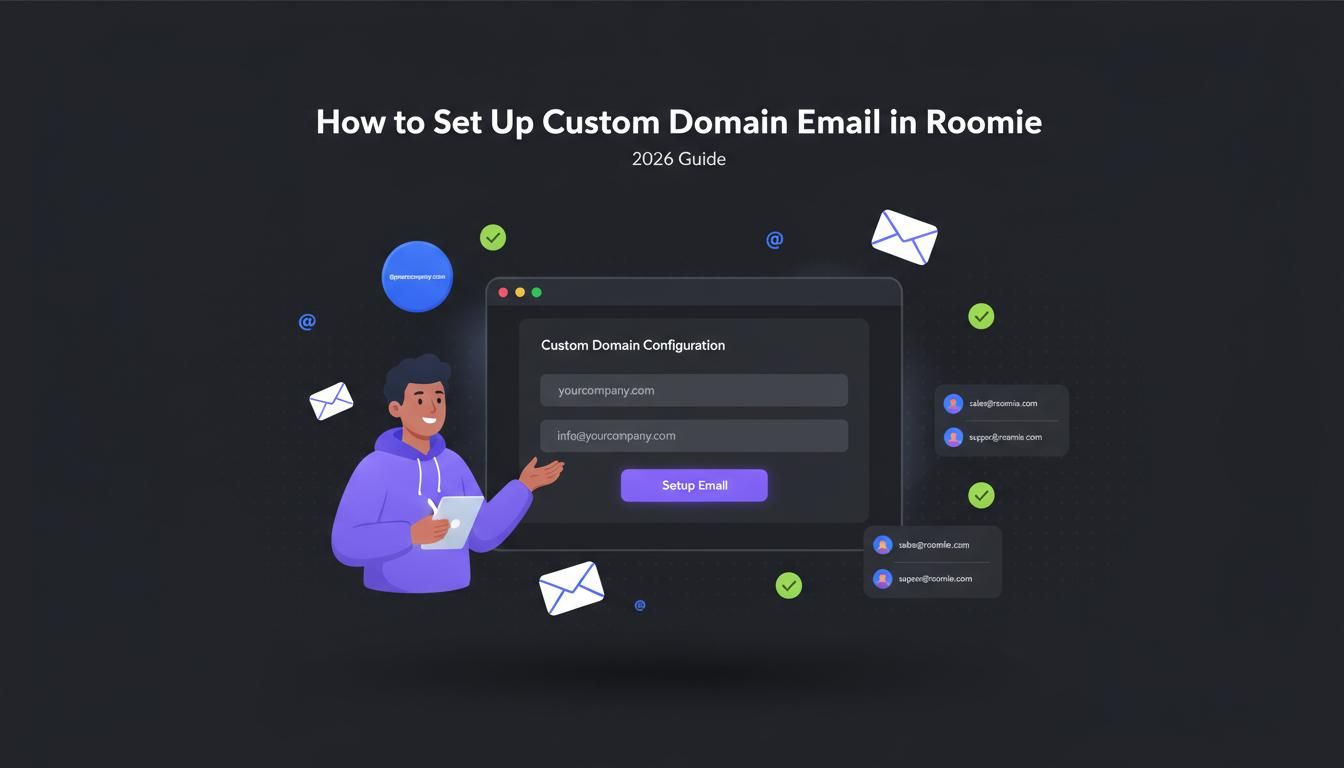
Setup takes about 10 minutes. We give you the DNS records, you add them to your domain registrar, and you are done. No complex verification flows. No jumping between admin panels.
Price comparison
Here is what you actually pay per user per month:

The math: To match what Roomie includes, you would pay:
- Google Workspace ($6) + Slack ($7.25) + Jira ($7.75) + Google Calendar ($6) = $27/user/month
- Or just Roomie = $2/user/month
That is not a typo.
Feature comparison

Why teams are switching to Roomie
Here is what teams tell us when they switch:
One bill, not five.
Stop paying for email, then chat, then project management, then calendar. One tool covers it all.
Emails become actual tasks.
Client emails you a feature request? One click and it is a task. No more copying between apps.
AI that saves time.
Roomie AI suggests tasks from your emails, drafts replies, and summarizes long threads. Not perfect, but helpful.
No bloat.
Google Workspace has dozens of features you will never open. Roomie has what teams actually use.
Privacy without the price hike.
We do not scan your emails. Your data stays yours. Want full control? Our self-hosted option puts everything on your servers.
Which service should you choose?
Choose Roomie if: You want professional email integrated with team collaboration tools at a fair price.
Choose Google Workspace if: You are already locked into Google Docs and Drive, and you do not mind paying extra for chat and project management tools.
Choose Microsoft 365 if: You need desktop Office apps and your team lives in Excel and PowerPoint.
Choose Zoho Mail if: You are on a tight budget and only need basic email. Be prepared to upgrade or switch as you grow.
Choose Proton Mail if: Privacy is your top priority and you are willing to pay extra for encryption.
Final thoughts
You need professional email. That is not optional. But paying $6-12 per user just for email? That feels like a tax on running a business.
Good news: you have options now. Google and Microsoft are not the only choices.
If you are tired of managing five different subscriptions, Roomie is worth trying. At $2 per user, worst case you save money. Best case you actually simplify how your team works.
Frequently asked questions
Can I use my existing domain?
Yes. Any domain you own works. We will give you the DNS records to add, and you will be set up in about 10 minutes.
How many email addresses can I create?
One per user, plus up to 5 aliases (like [email protected] forwarding to [email protected]).
Can I migrate from Google Workspace or Microsoft 365?
Yes. We can help you export your emails and import them into Roomie. Contact us for migration assistance.
Is there a free trial?
Yes for chat and task for email you have to be in paid plan.
What happens if I need more storage?
Most teams find 15 GB per user is plenty for email. If someone does fill up, another 15 GB is $2 per month and it is charged to that user only — not to the whole plan.
Do you offer refunds?
Yes. If Roomie is not for you, contact us within 30 days for a full refund.