Best Slack Alternatives 2026 for Teams
Discover the best Slack alternatives in 2026. Compare features, pricing, and find why teams are switching to all-in-one workspaces like Roomie for $2/user/month.
Slack has dominated team chat for years. But honestly? In 2026, it feels dated. Teams are tired of paying $7.25 per user just for messaging, then buying separate tools for email, tasks, and calendars.
We have tested the main alternatives. This is what actually works.
Why teams are moving on from Slack
Look, Slack is fine for chat. But here is what we keep hearing:
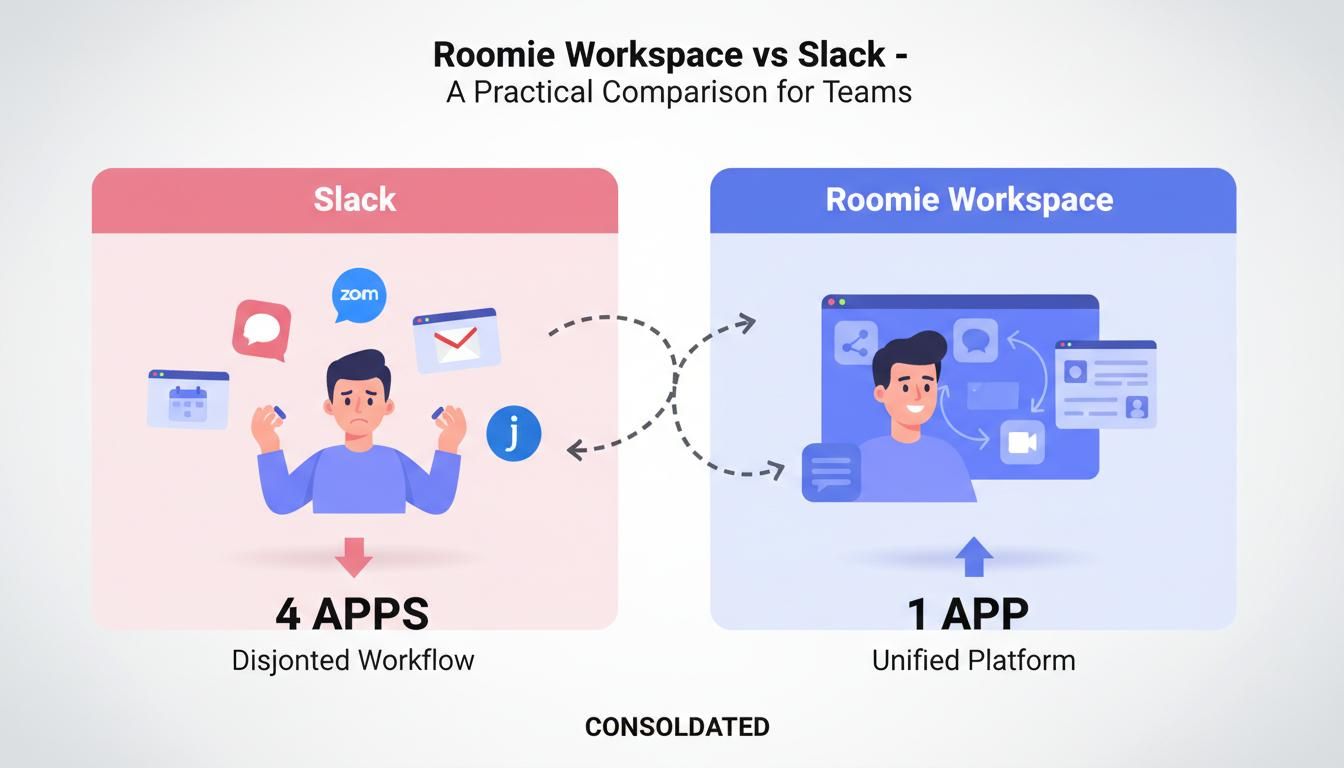
- App overload — Slack for chat, Gmail for email, Jira for tasks, Google Calendar for meetings. Your team is constantly switching windows.
- The bill keeps growing — $7.25 per user adds up fast when you hit 20, 50, 100 people.
- Missing basics — No custom domain email. No built-in task management. No real calendar integration.
Teams want one place where work actually happens. Not a chat app that connects to other apps.
What to actually look for
Before you switch, check these boxes:
Feature — Why it matters
Team chat — Obviously. Channels, threads, the basics.
Custom domain email — Yourbrand.com, not @gmail.com
Task management — Turn "we should do this" into actual tasks
Calendar — Schedule without leaving the app
Fair pricing — Predictable as you scale
That is it. Everything else is bonus.
The options, honestly rated
Roomie
Full disclosure: we built Roomie. We are biased. But teams switch for a reason.
Roomie gives you chat, email, tasks, calendar, and AI in one tool. Not integrations. One tool.
You get Slack-style chat, custom domain email included, task boards with sprints, a team calendar, and AI that turns chat messages into tasks. There is also an MCP server for Claude and OpenAI.
Price is $2/user/month. Everything included.
The catch? It is newer. Migration from Slack exists but you will need to contact us for help. Most teams are moved over in about a week.
Microsoft Teams
If your company breathes Microsoft 365, this is the obvious choice.
Teams combines chat, video calls, and Office integration. It works well with Word, Excel, and Outlook.
Runs $4–$12.50/user/month depending on your plan.
The reality: It is heavy. Clunky. Fine for enterprises already locked in, but overkill for small teams. Email requires a separate Exchange setup, which is another bill.
Discord
Discord started for gamers. Now some teams use it.
It has a free tier with unlimited messages, voice channels with good quality, and an informal community feel.
Free, or $9.99/month for Nitro perks.
But honestly? No business email. No task management. No calendar. Fine for casual teams, but you will outgrow it fast.
Mattermost
For teams that need self-hosted chat and have strict compliance requirements.
You host it on your own servers. It is open source. The interface feels like Slack.
Free if you self-host, or $10/user/month for enterprise cloud.
Just chat though. You will still need separate tools for email, tasks, and calendar. And you need someone technical to run it.
Rocket.Chat
Another open-source option with heavy customization.
Self-hosted or cloud options. Lots of customization. Omnichannel support connects to WhatsApp, email, etc.
Free self-hosted, or $7/user/month for pro workspace.
Complex setup. Requires technical expertise. No built-in task or calendar features.
What you actually pay
Tool — Price/user/month — Notes
Roomie — $2 — Chat + email + tasks + calendar
Slack — $7.25 — Chat only
Microsoft Teams — $4–$12.50 — Plus email costs extra
Discord — Free–$9.99 — Chat + voice only
Mattermost — Free–$10 — Chat only
Rocket.Chat — Free–$7 — Chat only
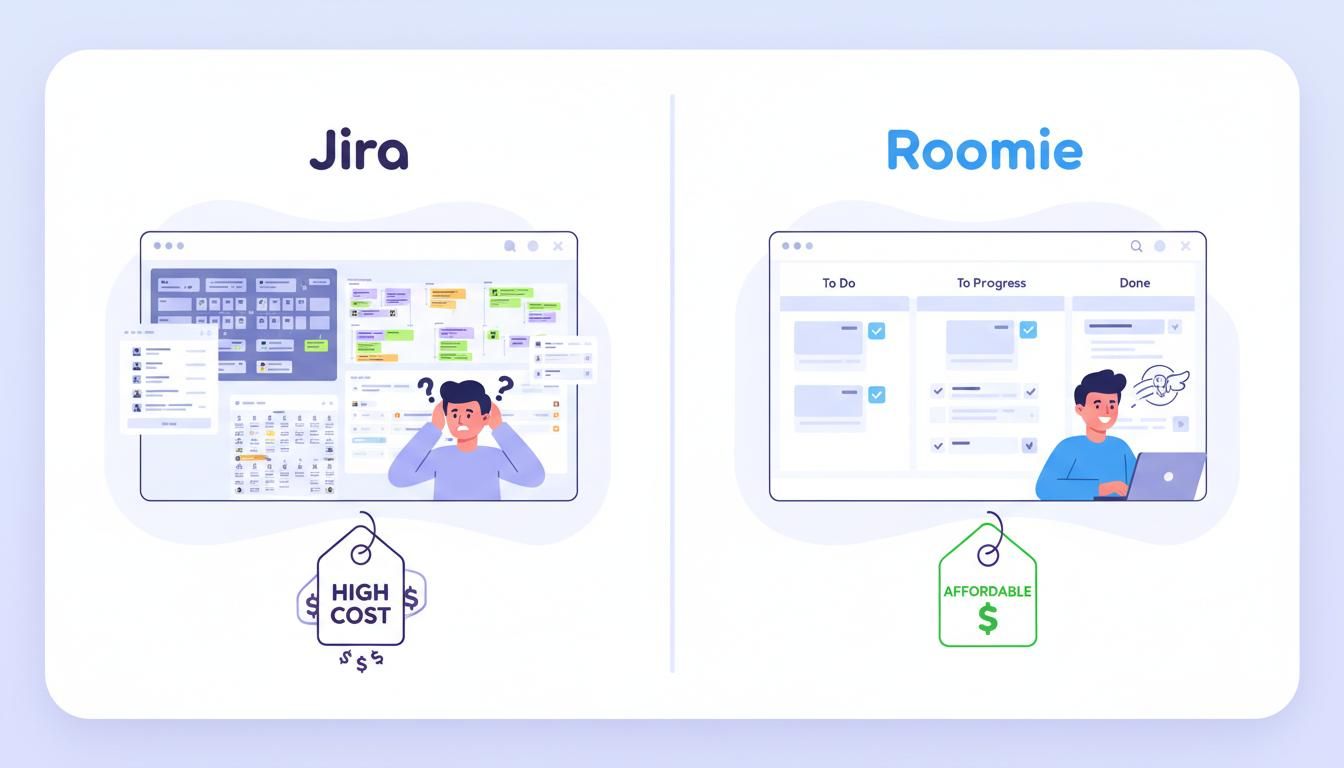
The math that hurts: To match Roomie's features with other tools, you pay Slack ($7.25) + Gmail ($6) + Jira ($7.75) + Google Calendar ($6) = $27/user/month. Or just Roomie at $2/user/month.
Why some teams pick Roomie
We are not going to say Roomie is perfect for everyone. But this is why teams actually choose it:
Chat becomes actual work. Someone says "we should fix the onboarding flow" in chat. One click, it is a task. No copy-paste. No lost context.
Email is included. You get @yourcompany.com addresses. No separate Google Workspace bill. No DNS headaches.
The AI knows your projects. Ask "what did design work on this week?" and get an actual answer because the AI sees your tasks, emails, and chat history.
MCP for developers. If you use Claude Desktop or OpenAI, you can connect Roomie and build automations. Almost no other workspace tool offers this.
Privacy option. Self-hosted for $2,000/year, unlimited users. Your data stays on your servers.
Switching from Slack
Moving from Slack? We can help. Contact the Roomie team and we will guide you through data export, user onboarding, and workspace setup. Most teams are fully migrated within a week.
Which tool should you choose?
Roomie works if you want one tool for everything at a price that actually scales.
Microsoft Teams makes sense if you are already deep in Microsoft 365 and do not mind the complexity.
Discord is fine for communities or informal teams that do not need business features yet.
Mattermost or Rocket.Chat are options if you need self-hosted chat only and have technical people to manage it.
Wrapping up
Slack made team chat mainstream. But in 2026, chat alone is not enough. Teams want integrated workspaces that do not require five different subscriptions.
Roomie is not trying to be "Slack but cheaper." It is a bet that teams want fewer tools, not more integrations.
At $2/user/month for everything, it is worth trying if you are paying for multiple tools already.