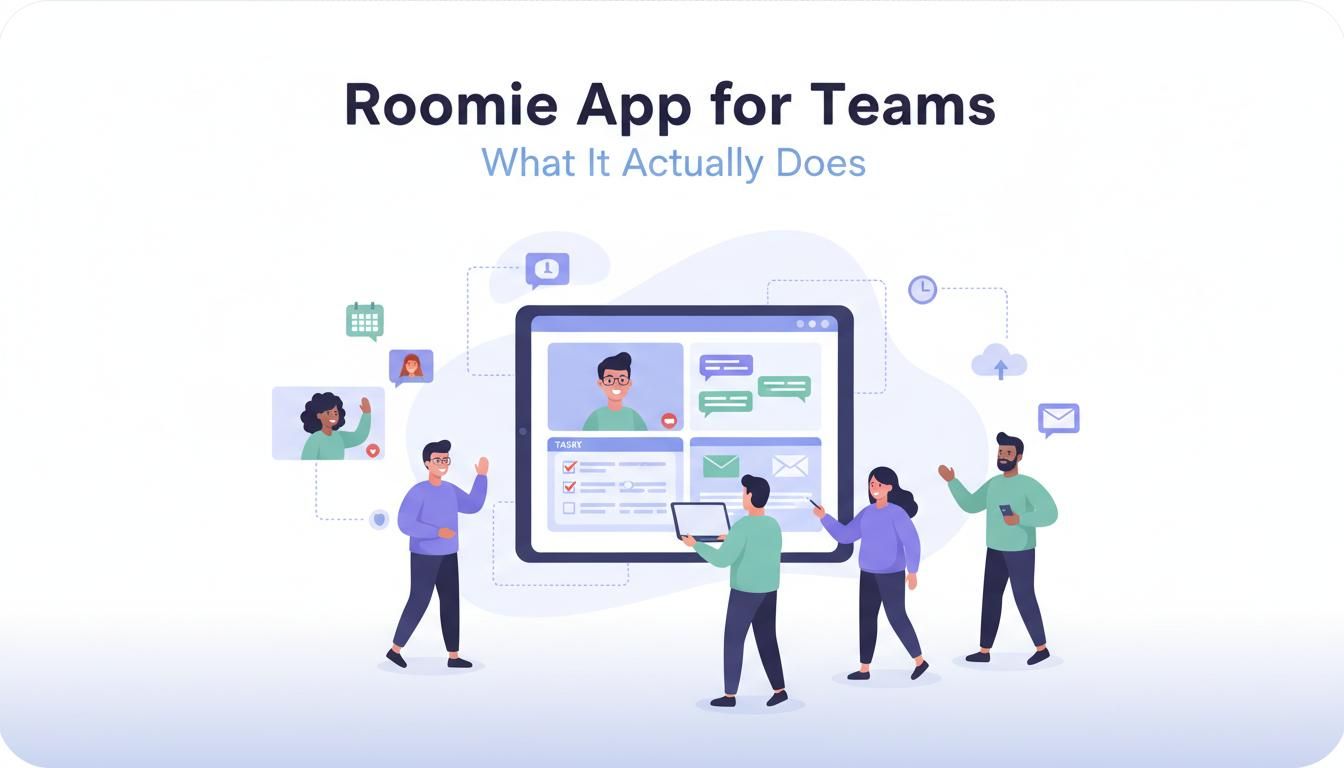
Roomie App for Teams - What It Actually Does
Most team apps do one thing well. Slack for chat. Asana for tasks. Zoom for calls. Roomie is built on a simple idea: teams should not need a dozen tools to get work done.
Most team apps do one thing well. Slack for chat. Asana for tasks. Zoom for calls. Google Calendar for scheduling. The result? You're constantly switching between apps, losing context, and paying for five different subscriptions.
Roomie is built on a simple idea: teams should not need a dozen tools to get work done.
What Teams Actually Get
When you sign up for Roomie, you're not just getting another chat app. Here's what's included from day one:
Team Chat That Connects to Everything
Channels, direct messages, threads, file sharing. The usual stuff. But when someone mentions a deadline in a message, you can create a task right there. No copy-pasting. No "I'll add that to the project board later." It happens in the same window where you're already talking.
Task Management Without the Tab Switching
Create tasks from messages. Assign them. Set due dates. Track progress. View kanban boards or lists. It's not as feature-heavy as Jira for massive engineering teams, but for most teams, it has what you actually use.
The difference is context. When you look at a task, you can see the full conversation that led to it. In most tools, that context is lost.
Custom Domain Email (Actually Included)
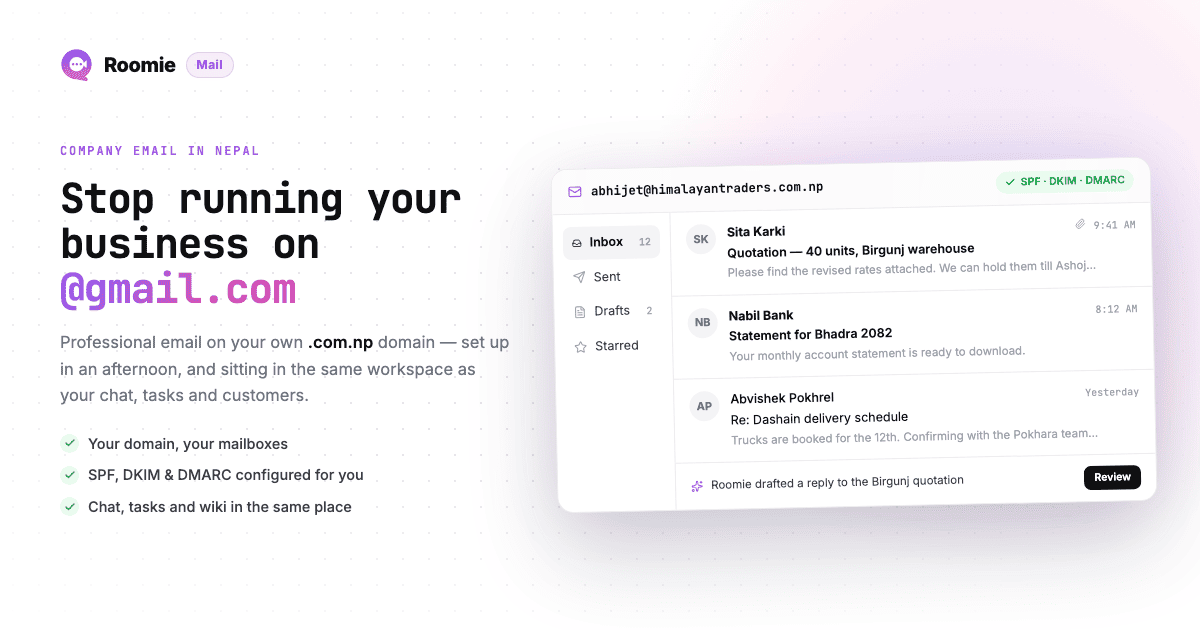
Most team apps make you pay extra for this. With Roomie, you can set up [email protected], [email protected], whatever you need. No additional cost. No separate Google Workspace bill.
Video Huddles Built In
Start a video call from any channel or DM. Screen sharing works. Recording works. It's not trying to replace Zoom for 500-person webinars, but for daily team standups and quick discussions? It works fine.
Calendar That Knows Your Team
Schedule meetings, see who's available, get reminders. The calendar integrates with your tasks, so if a task has a deadline, it can show up on your calendar automatically.
AI That Actually Helps
Roomie's AI can:
- Search across all your messages, tasks, and emails
- Summarize long threads so you can catch up quickly
- Suggest tasks from conversation context
- Answer questions about past decisions
It's not magic. But it's genuinely useful for finding things and getting caught up after time off.
Who It's For
Roomie works best for:
- Small to medium teams (5-100 people)
- Remote or hybrid teams who need async communication
- Startups watching their tool budget
- Teams tired of app switching every five minutes
- Companies that want self-hosting for data privacy
It's probably not the right fit if:
- You need enterprise-grade compliance features (SOC 2, etc.)
- Your team is heavily invested in very specific integrations
- You need advanced project management (Gantt charts, resource allocation)
How Teams Actually Use It
I talked to three teams using Roomie to understand real usage patterns:
A 12-person marketing agency replaced Slack, Trello, and Zoom. They save about $400/month and say the biggest win is "never wondering which app a decision was made in."
A remote software team of 8 uses it for daily standups, sprint planning, and client communication. The custom domain email means they look professional to clients without paying for Google Workspace.
A nonprofit with 25 staff went with the self-hosted option. They needed to keep data in-country for compliance reasons. Roomie was one of the few affordable options that allowed this.
Getting Started
The free plan includes:
- Unlimited users
- Unlimited message history
- All core features (chat, tasks, calendar, huddles)
- 5GB storage
No credit card required to start. If you need more storage or custom email domains, the paid plan is $2 per user per month.
You can import your Slack history if you're switching. The process takes about 10 minutes for most teams.